Awkward Memes
For the moments you wish you could take back.
3 templatesFree, no sign-upEdit in your browser
Awkward meme templates


About awkward memes
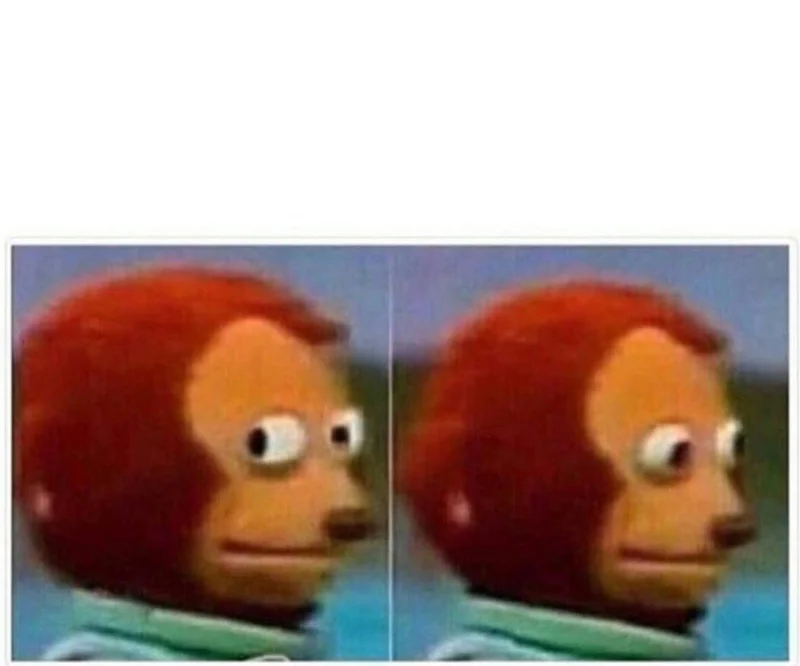
This page collects 3 meme templates for the “awkward” feeling: Hide the Pain Harold, Monkey Puppet and Socially Awkward Penguin. Each one links to a page with a live editor, an explanation of where the meme comes from and a list of situations it fits.
Search is built around feelings, so if none of these quite says what you mean, try a nearby feeling below or describe the moment to the AI caption tool.
Also searched as
When to use a awkward meme
- Smiling through a situation that is clearly falling apart Hide the Pain Harold →
- Joking about pretending everything is fine at work or home Hide the Pain Harold →
- Reacting to awkward silence after an uncomfortable truth Monkey Puppet →
- Avoiding eye contact when a callout is clearly coming Monkey Puppet →
- Confessing a small, mortifying social blunder Socially Awkward Penguin →
- Admitting to the awkward thing everyone does but never says Socially Awkward Penguin →
How to make a awkward meme
- 1
Pick a template
Choose one of the 3 awkward templates above.
- 2
Type your text
Fill in the text boxes on the image. The preview updates as you type.
- 3
Download or copy
Save the PNG or copy it into your chat. Nothing is uploaded.
Awkward memes: questions
What are the best awkward meme templates?
3 awkward meme templates are listed here: Hide the Pain Harold, Monkey Puppet and Socially Awkward Penguin. Open any of them to caption it in your browser.
How do I make a awkward meme?
Pick a awkward template from the list, type your text into the boxes on the image, then download the PNG or copy it to your clipboard. It takes a few seconds and needs no account.
Are these awkward memes free to use?
Yes, the editor is free. These templates are for personal use such as chats and social posts, not for ads or products. Each template page shows its licence.
Can AI write a awkward meme caption for me?
Yes. Describe the moment on the AI caption page and it picks matching templates, awkward ones included, and writes the text for each box.