- 376
- meme templates
- 16
- feelings to search by
- 0
- sign-ups needed
- PNG
- download or copy
Popular meme templates
All feelings →







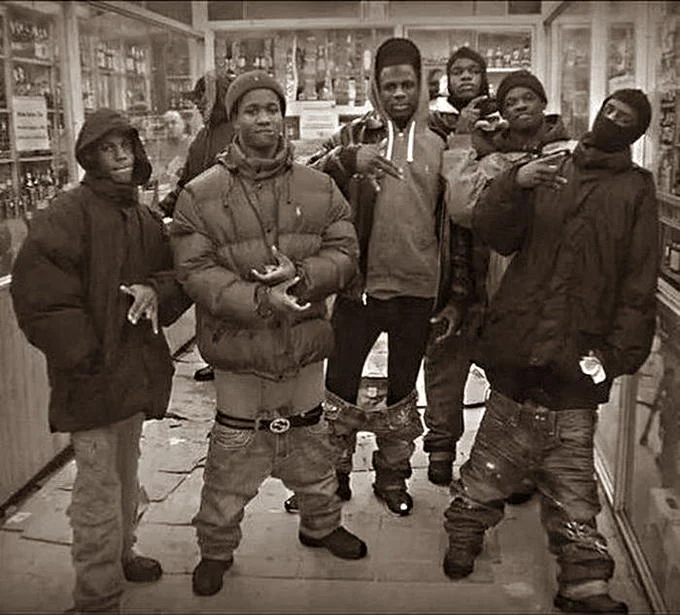
How to make a meme in three steps
- 1
Search by feeling
Type how you feel or what happened, like “confused” or “prod is down”. Search forgives typos and understands meaning, not just keywords.
- 2
Add your caption
Pick a template and type into its text boxes. The preview updates live in your browser, and your image is never uploaded.
- 3
Download or copy
Save the meme as a PNG or copy it straight into Slack, Discord, WhatsApp or an email. No account needed.
Browse memes by feeling
Pick the reaction first, then the template. Every feeling page lists the templates that fit, with what each one means and when to use it.


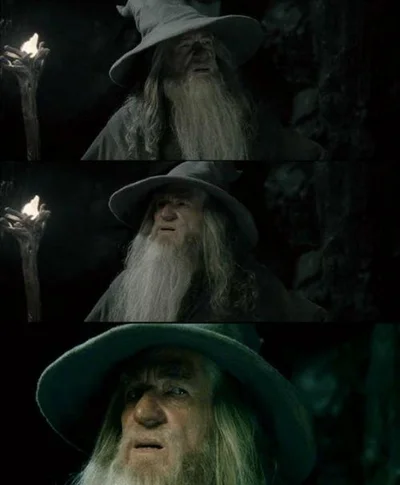


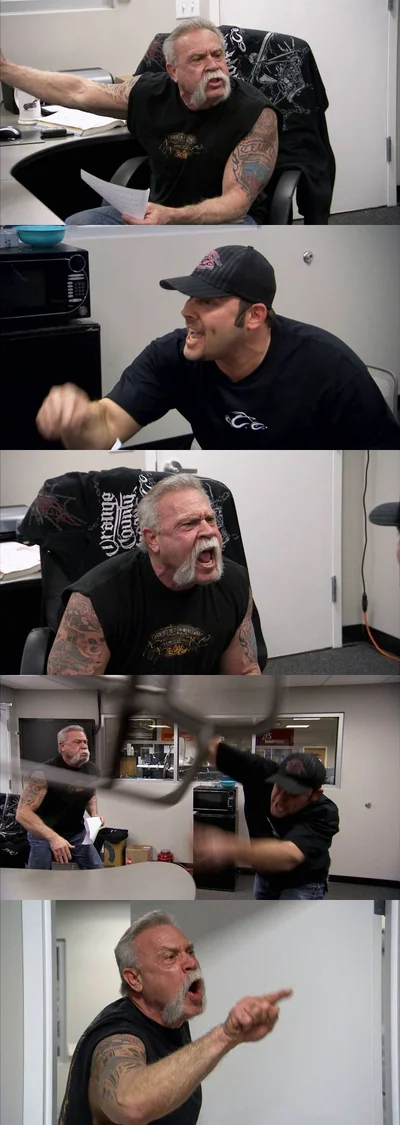


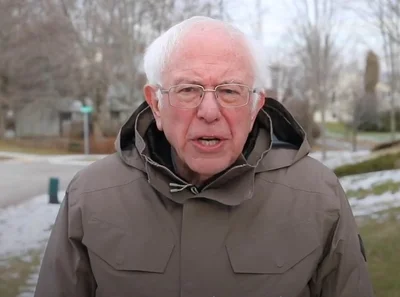

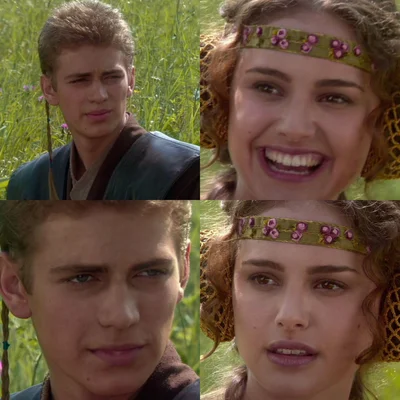





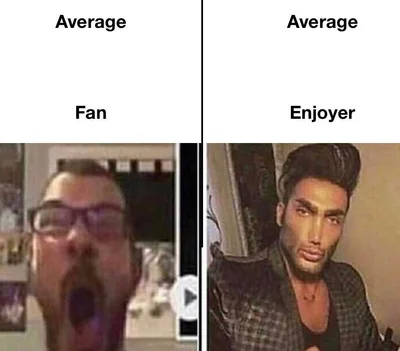





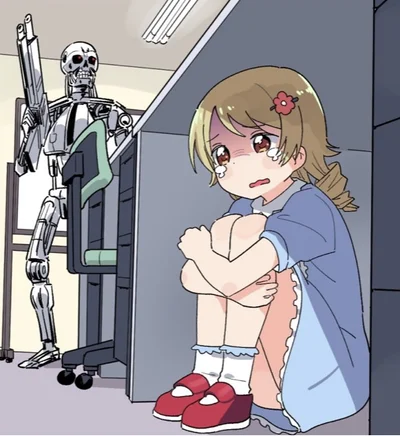
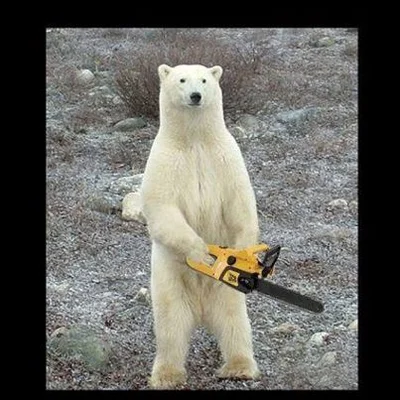
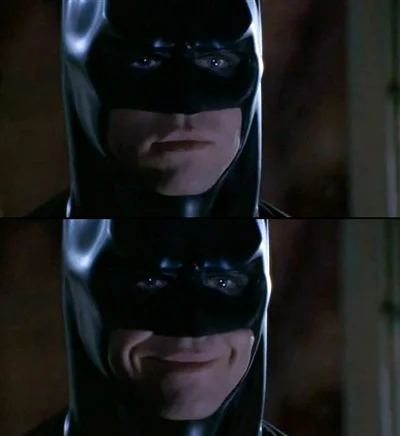

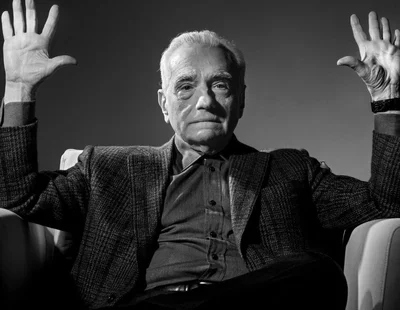
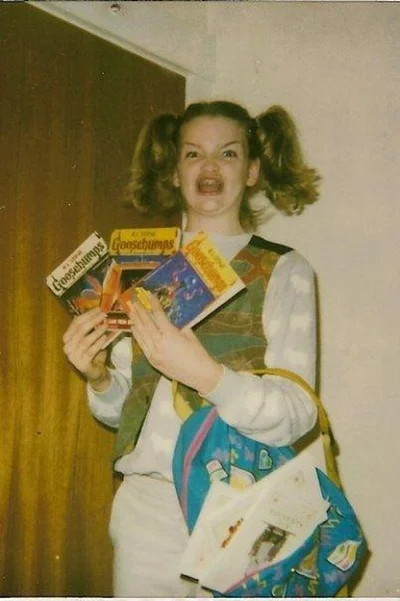
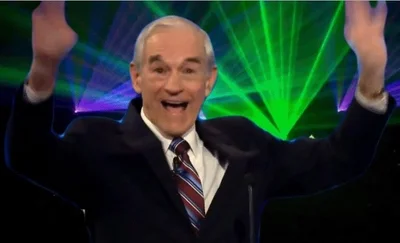
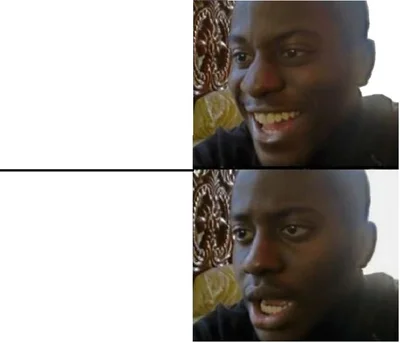

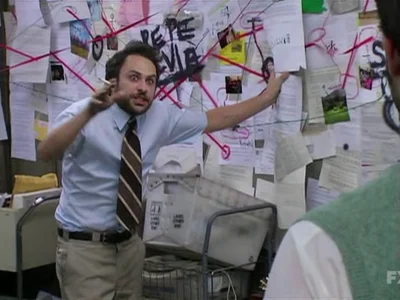



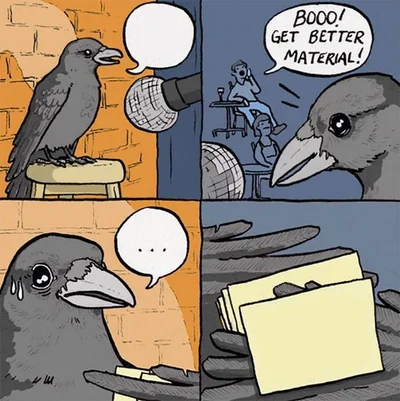
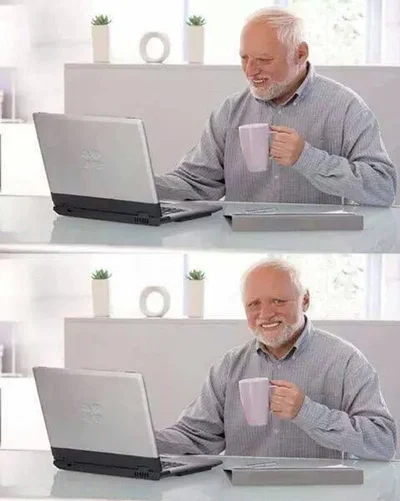





Surprised memes
All 76 surprised templates →Shock, disbelief and sudden realisations.
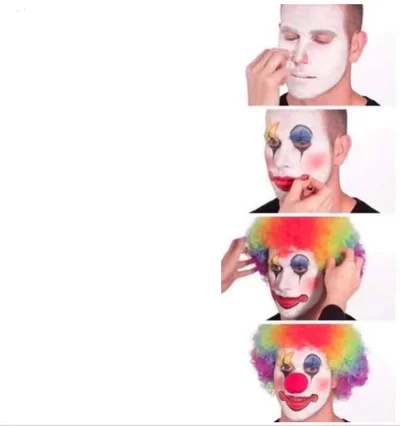
Annoyed memes
All 66 annoyed templates →Eye rolls, sighs and facepalms for mildly infuriating moments.

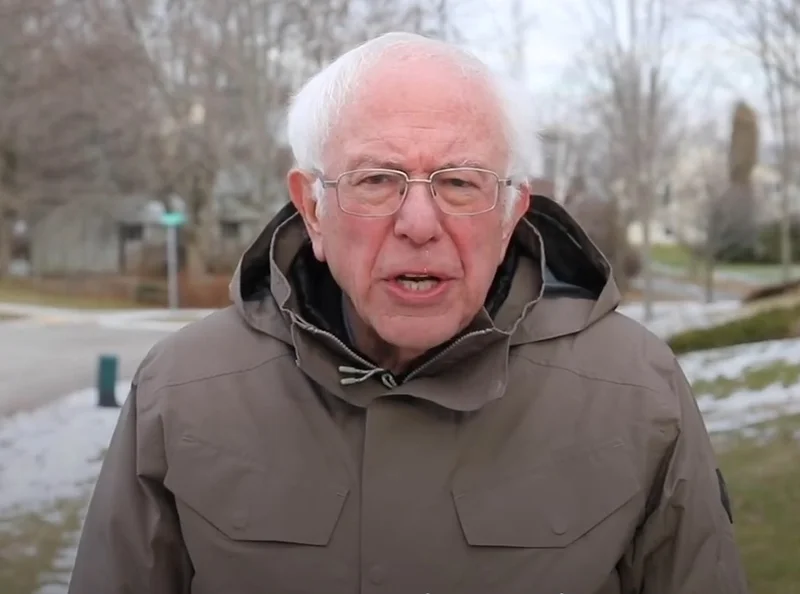


Smug memes
All 56 smug templates →For when you know something they do not.
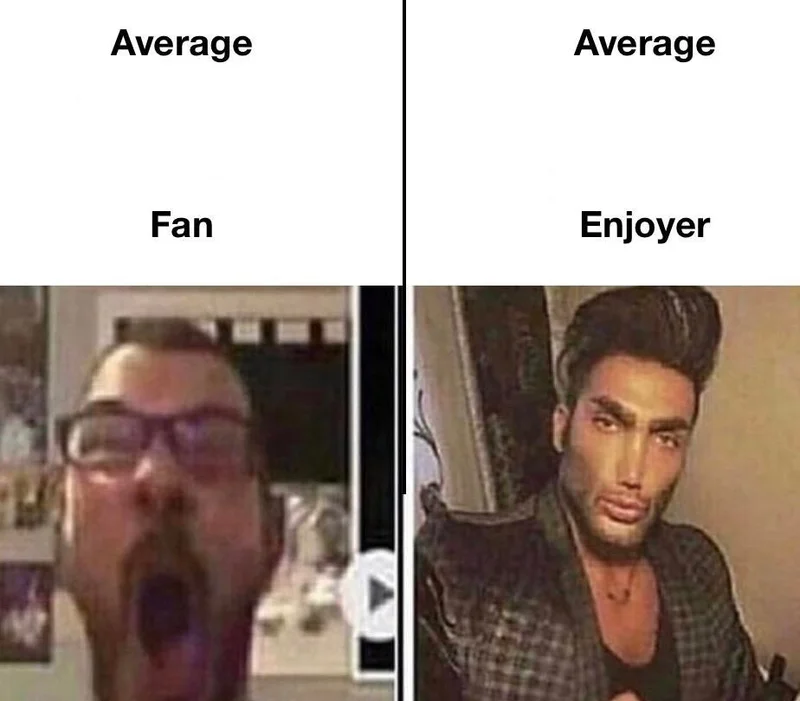


No idea what to write?
Describe the moment in one sentence and AI picks the templates that fit and writes the caption for each text box. Edit it, then download. 5 free AI captions a day.
Newly added templates
Memes by topic
Memes about the things people joke about: money, work, school, and the code that broke production.
A meme generator built around reactions
Most people don’t open a meme site to browse. They have something to say: a message that needs a reaction, a bug that needs a funeral, a colleague who needs a gentle nudge. MemeSkill puts that first. Pick the feeling, and you get a short list of templates that people already use to say exactly that.
Every template has its own page with a blank image, a live editor, a short explanation of where the meme comes from and a list of situations it fits. If a template doesn’t quite work, the similar-templates list on the page is one click away, and the AI caption tool can suggest one for you.
The editor runs entirely in your browser. You choose the text, upload nothing, and export a PNG you can paste into WhatsApp, Slack, Discord, X or an email. Sign in only if you want AI captions, or the watermark gone with Pro.
We add templates by hand and record the source and licence of each one. If you own an image and want it removed, see our copyright page, and we will act within 48 hours.
Frequently asked questions
Is MemeSkill free?
Yes. Every template and the full meme editor are free, with no sign-up. Free downloads carry a small MEME-SKILL.COM watermark, and you get 5 AI captions a day when you sign in. Pro removes the watermark and raises the AI limit to 100 a day.
How do I make a meme with MemeSkill?
Search for a feeling or pick a template, type your text into the boxes on the image, then download the PNG or copy it to your clipboard. The whole thing runs in your browser and takes a few seconds.
How is this different from other meme generators?
Most meme sites make you scroll through hundreds of templates. MemeSkill starts from the feeling you want to express, so you find the right reaction fast, and each template comes with an explanation of what it means and when to use it.
Can I use the memes commercially?
It depends on the template. Each template page shows a licence label: “Commercial use OK” for original, CC0 and licensed images, and “Personal use only” for the rest. Memes made from personal-use templates are fine for chats and social posts, but not for ads or products.
Do you store my captions or images?
No. The editor draws the meme in your browser, so what you type and the image you export stay on your device.
Can AI write the caption for me?
Yes. Describe the moment in a sentence on the AI caption page and it picks matching templates and writes the text for each box. You can edit the result before downloading.