Jensen Huang Computex 2016 Pascal meme template
Add your text, then download it or copy it straight into a chat.
What it means
A 2016 Computex Taipei photograph of Jensen Huang presenting with a microphone, one hand open, in front of an NVIDIA Pascal banner. The banner text is part of the original photo and is left in place, so captions sit above and below it rather than on top of it. A dated “let me introduce this” presenting blank, not a recent format. The Commons file is offered as CC BY 2.0 (NVIDIA Taiwan / Flickr); license is still recorded as unknown because attribution and personality rights apply.
When to use it
- Let me introduce this
- Old keynote energy
- Presenting the lineup
- Welcome to the future, 2016 edition
How to make a Jensen Huang Computex 2016 Pascal meme
- 1
Write your text
Fill in the 2 text boxes in the editor. The preview updates as you type.
- 2
Check the result
Adjust the text size if a line runs long, or let AI suggest a caption for the moment.
- 3
Download or copy
Save the PNG or copy it straight into Slack, Discord, WhatsApp or email.
More proud memes
All proud templates →






Similar templates
Jensen Huang Computex 2016 Pascal meme: questions
How do I make a Jensen Huang Computex 2016 Pascal meme?
Type your text into the 2 text boxes in the editor above, then download the PNG or copy it to your clipboard. It runs in your browser, so nothing is uploaded.
Is the Jensen Huang Computex 2016 Pascal meme template free?
Yes. The editor is free and needs no account. Downloads from a free account have a small MEME-SKILL.COM watermark, which Pro removes.
Can I use Jensen Huang Computex 2016 Pascal memes commercially?
This template is for personal use, such as chats and social posts. For ads, products or paid content, pick a template labelled “Commercial use OK”.
What are good alternatives to Jensen Huang Computex 2016 Pascal?
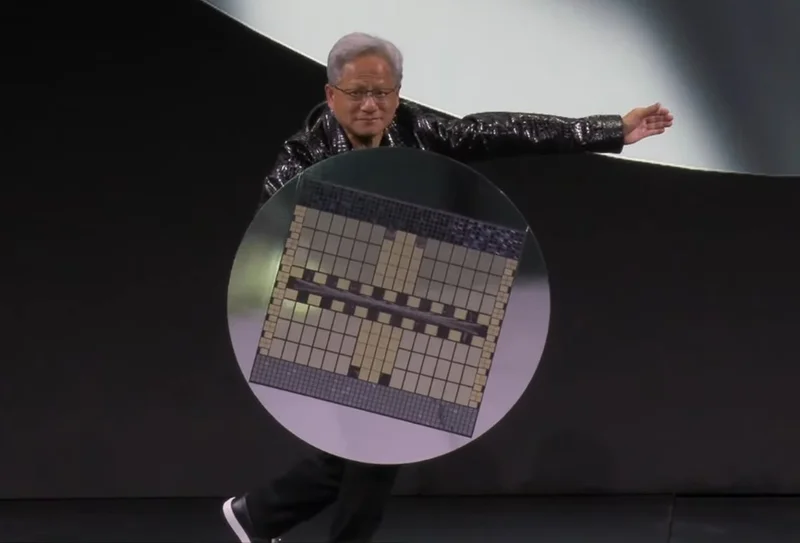
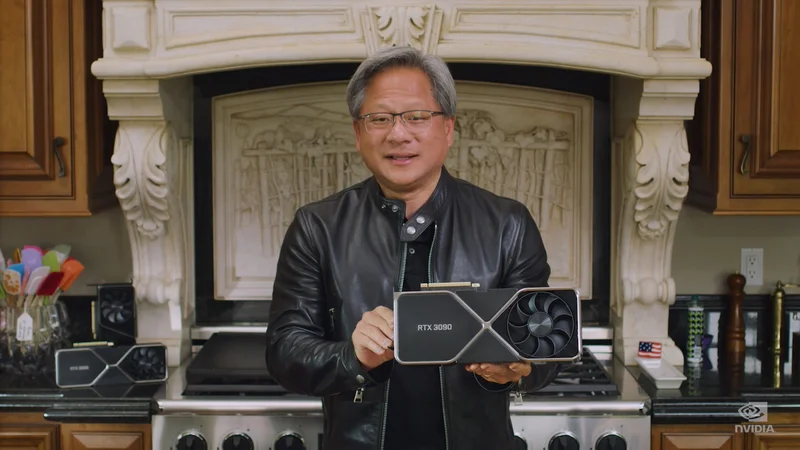
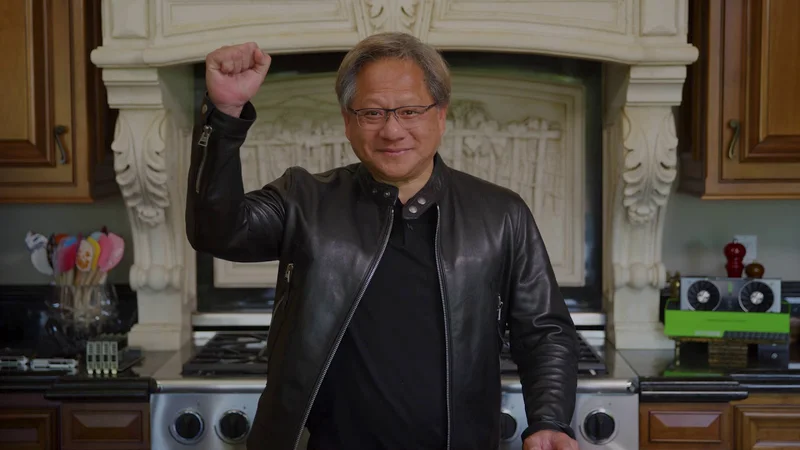
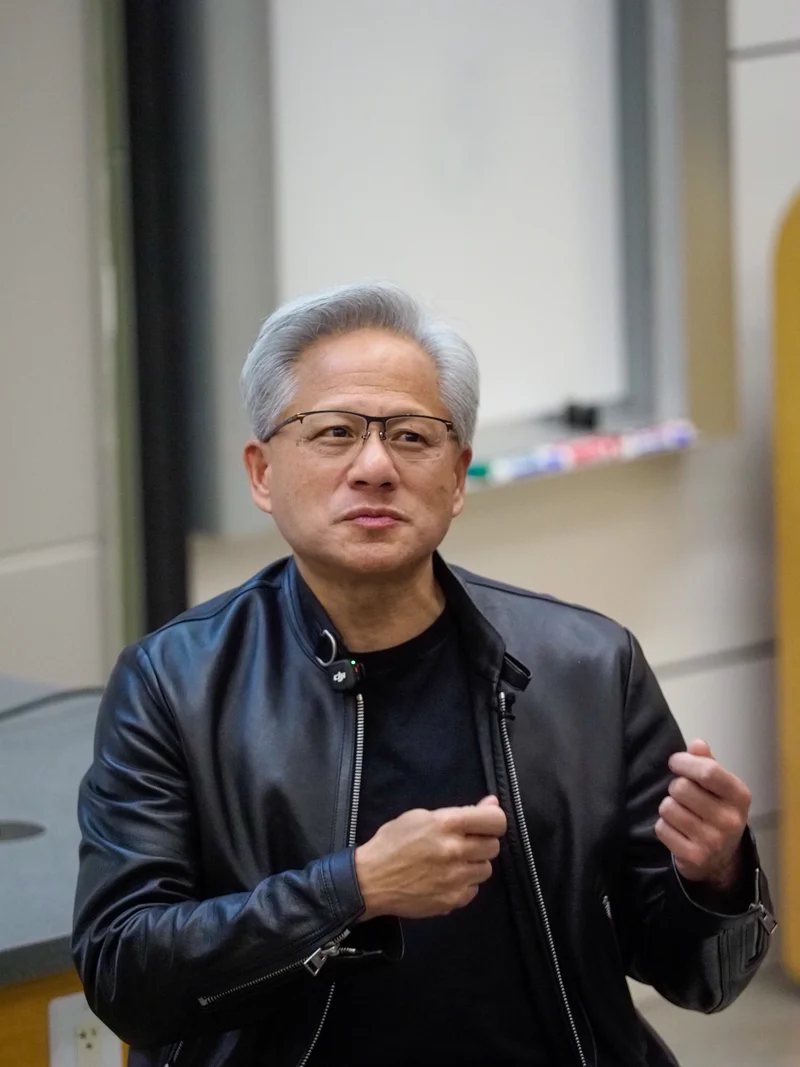
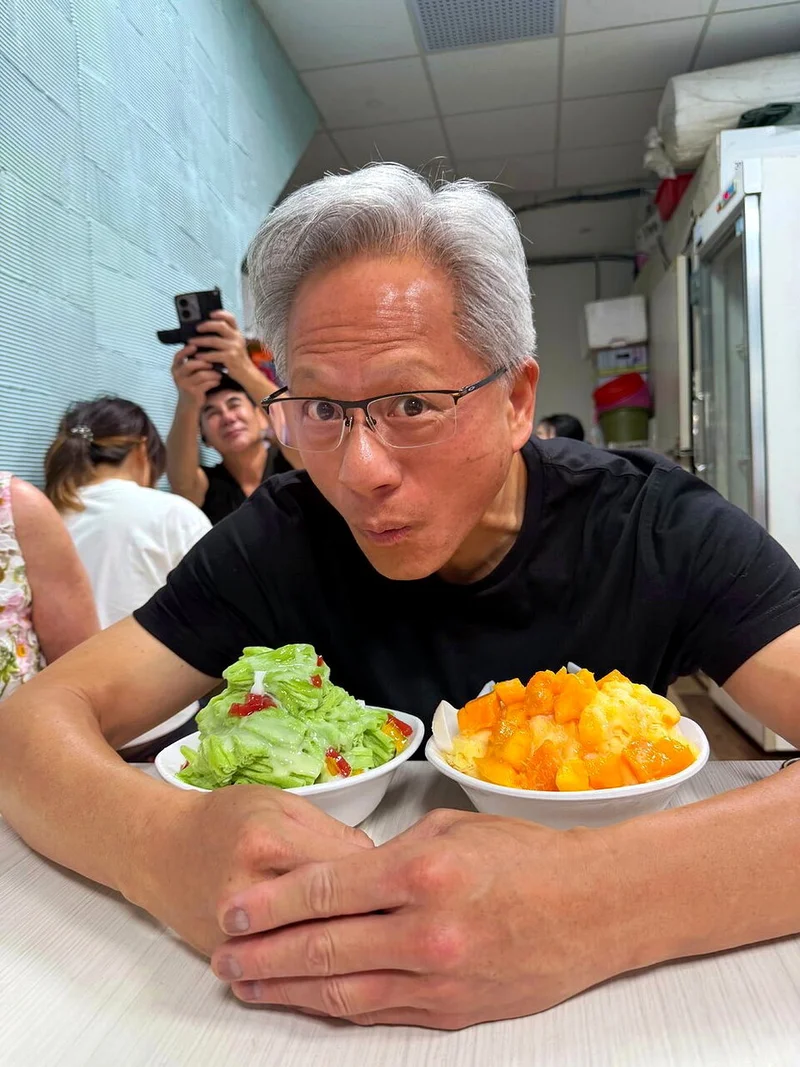
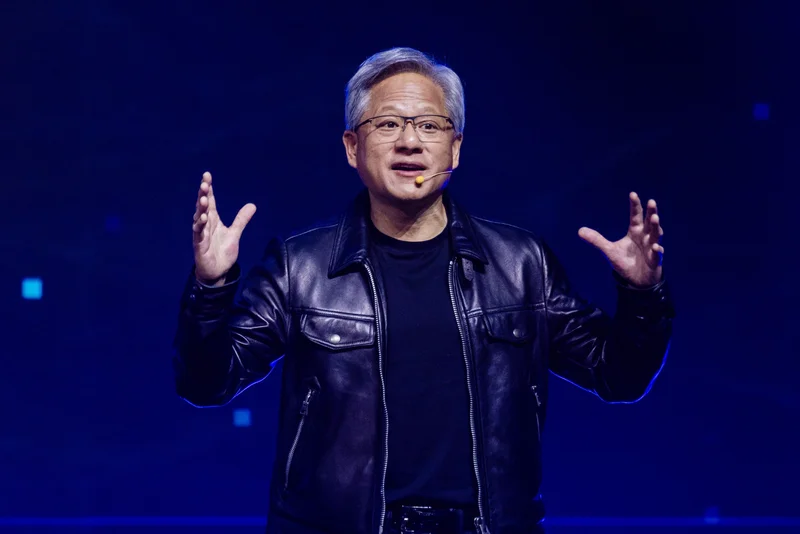
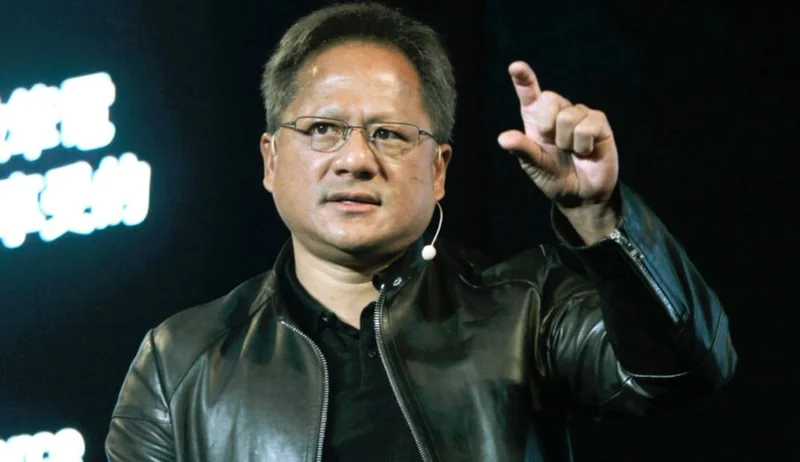
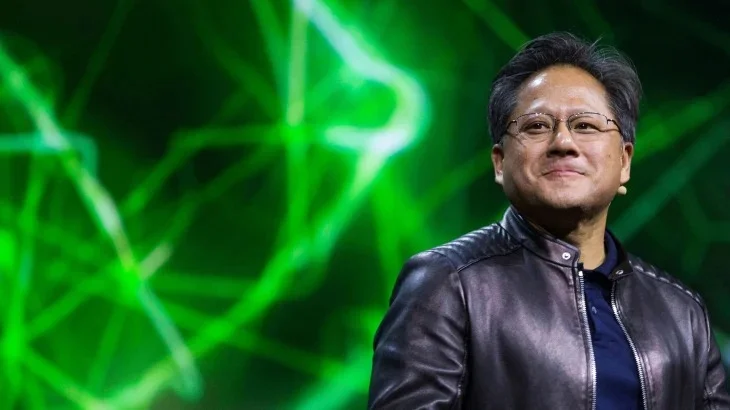
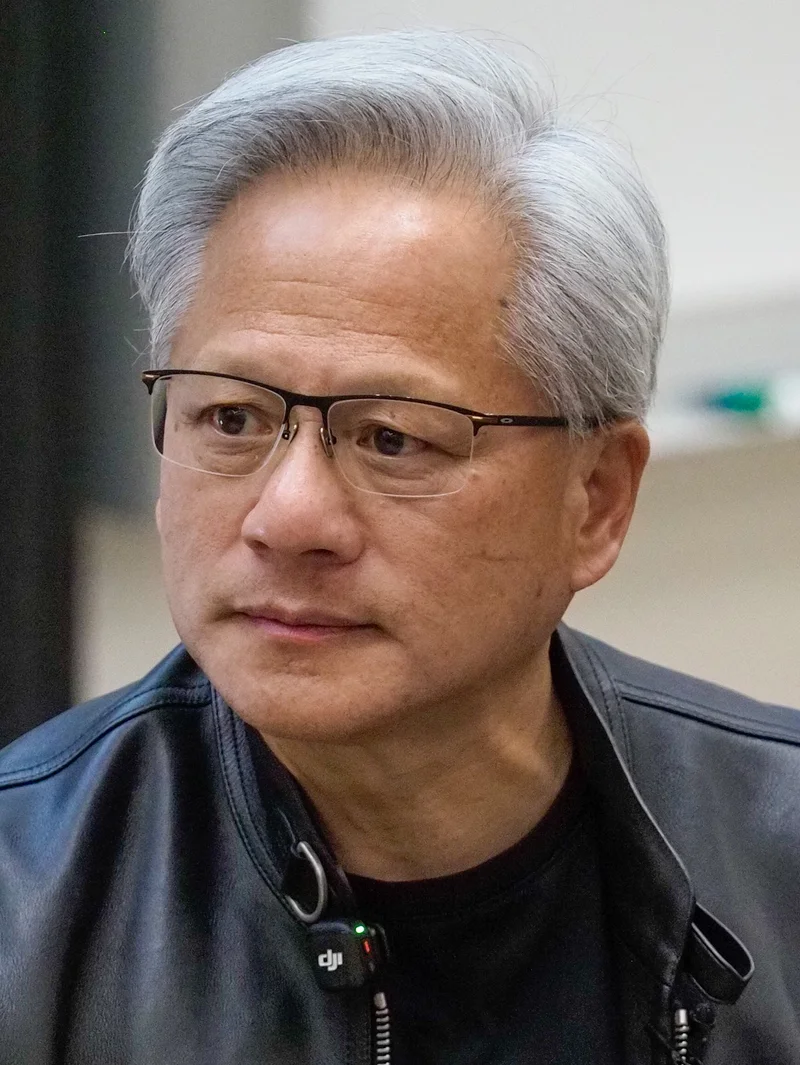
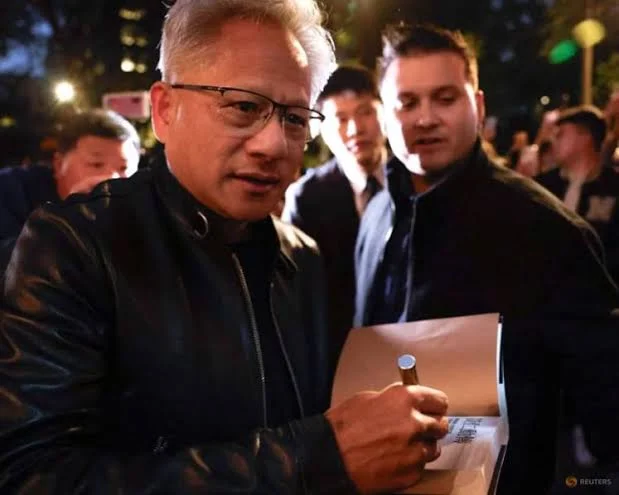
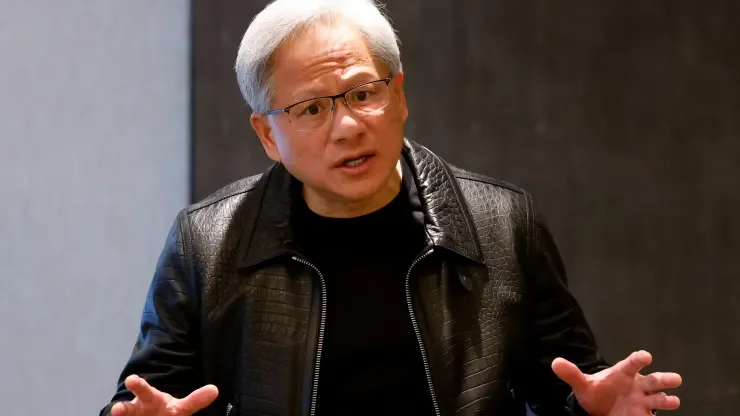
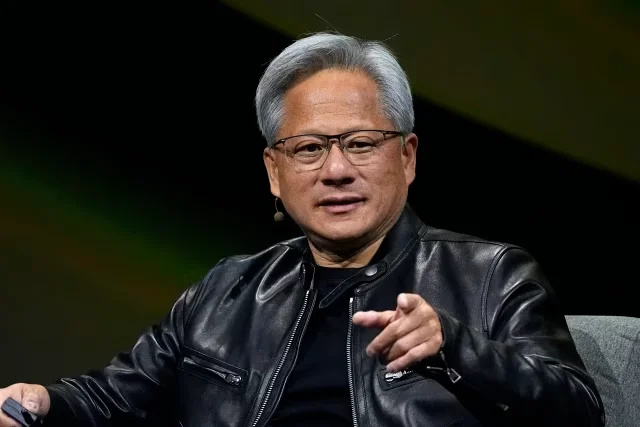
Similar templates include Jensen Huang Presenting Wafer, Jensen Huang Holding RTX 3090, Jensen Huang Kitchen Fist Pump, Jensen Huang Stanford Explaining, Jensen Huang Pucker Face. You can also describe your moment to the AI caption tool and let it pick.