Skip to content
MEMESKILL

AI GIF meme generator.

Turn any moment into a moving meme with GPT Image 2.6. Describe what happened, pick a reaction, and download your own looping GIF.

Loading the maker…

Make GIFs with GPT Images 2.6

OpenAI introduced Images 2.6 on November 4, 2026, adding GIF creation for reactions, characters, and other animated ideas. MemeSkill brings the model into a guided meme workflow: describe a moment, choose a concept, then customize your loop.

Standard uses GPT-Image-2.6 Flare; Pro also offers Sunburst for High quality. Our workflow generates six animation frames through Yir and builds the GIF in your browser, where you can adjust speed and captions.

Start with text here, try GPT Image 2.6 photo-to-GIF creation, or browse GIF prompt ideas and examples.

Learn more in OpenAI’s Images 2.6 announcement. MemeSkill is an independent tool.

GIF examples and prompts

Explore AI GIF examples for work, group chats, and everyday reactions. Every example includes its image prompt so you can adapt the idea for your own reaction meme.

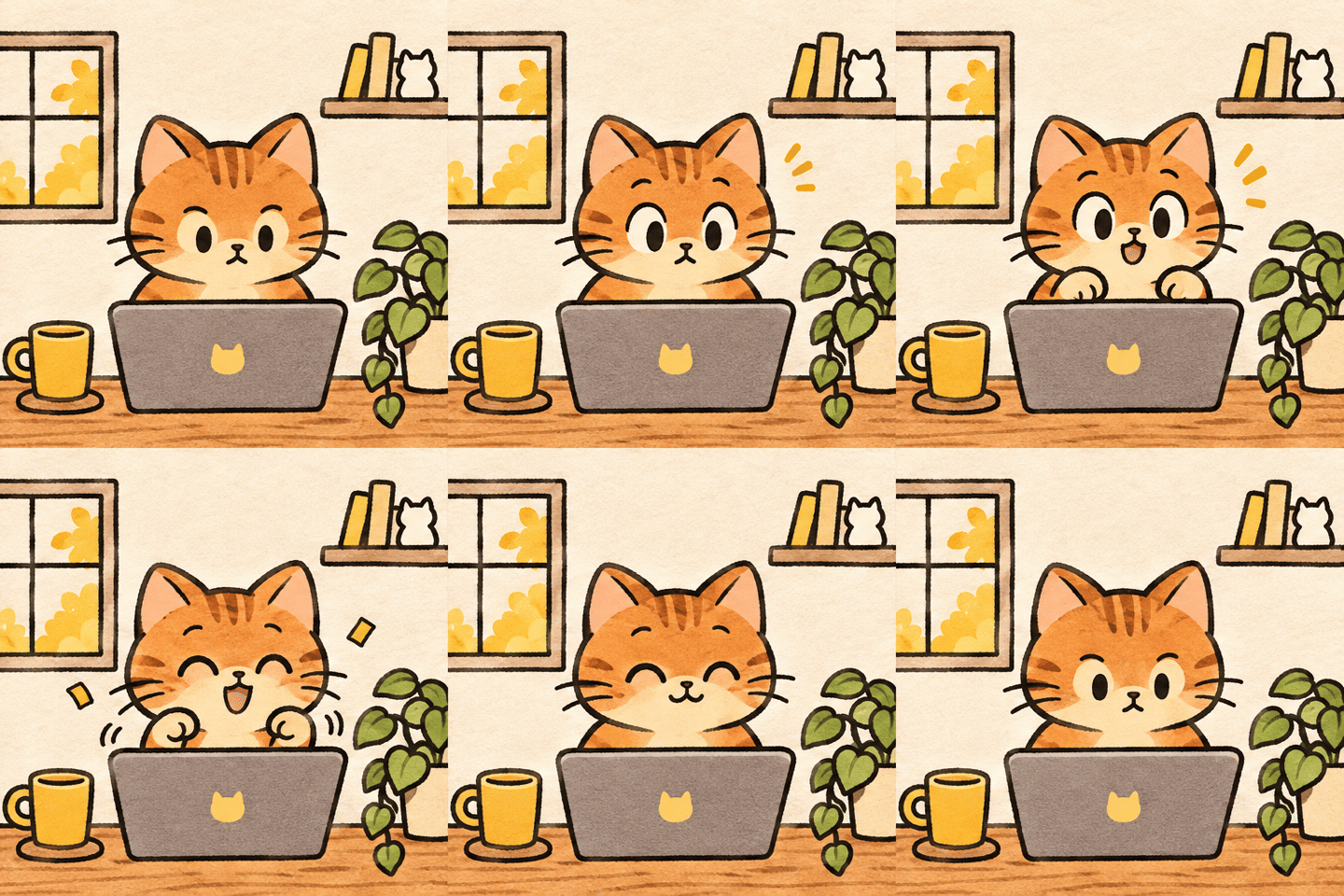
  • An orange cat reacts with a small joyful bounce at a laptop

    A tiny victory bounce

    Image prompt: Create a seamless six-frame loop of an orange cat at a desk: neutral, eyes widening, paws lifting, a small joyful bounce, paws lowering, then returning to the exact neutral pose. Keep the camera, framing, scale, and background fixed.

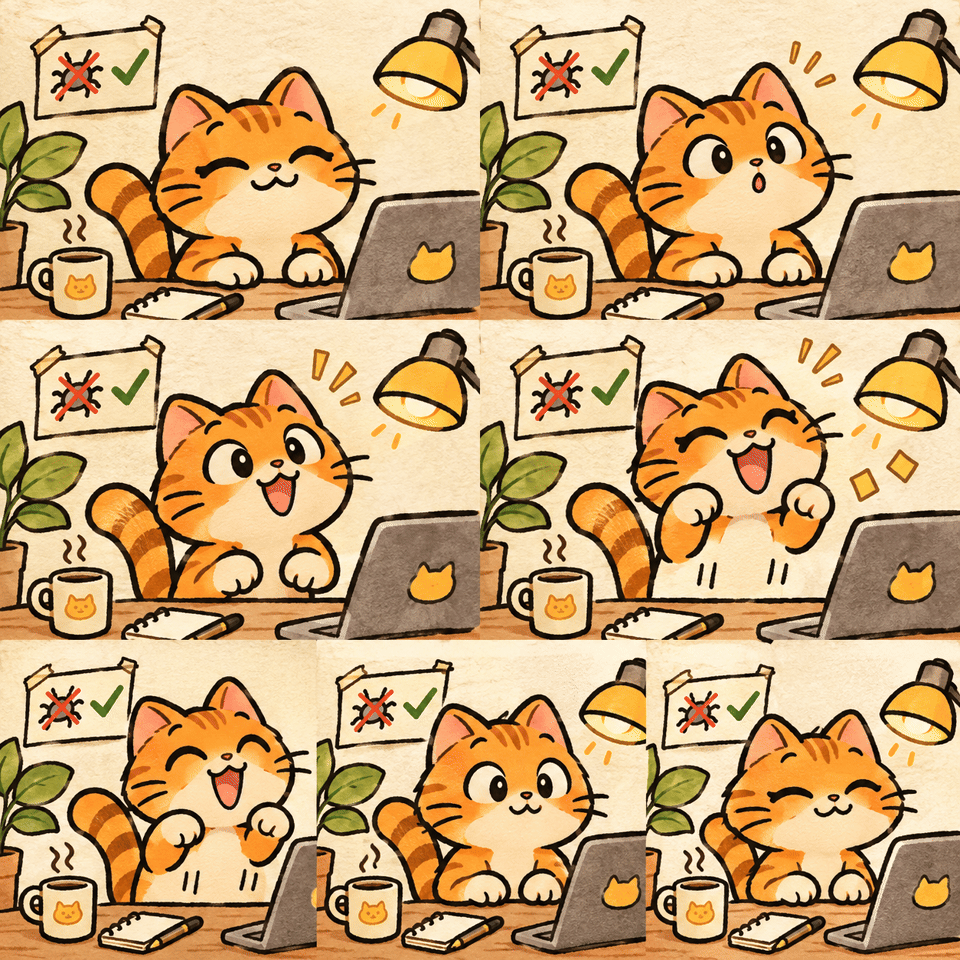
  • An excited orange cat celebrates a bug fix at a laptop

    The bug finally disappeared

    Image prompt: An expressive orange tabby cat sits at a desk in front of a laptop, wide-eyed after accidentally fixing a complicated bug, with tiny golden confetti.

  • An orange cat goes from surprise to a joyful bounce at a laptop

    Bug fix celebration loop

    Image prompt: An orange tabby cat reacts with delighted surprise after fixing a bug: eyes widen, paws lift in a tiny victory bounce, then return to the starting pose for a loop.

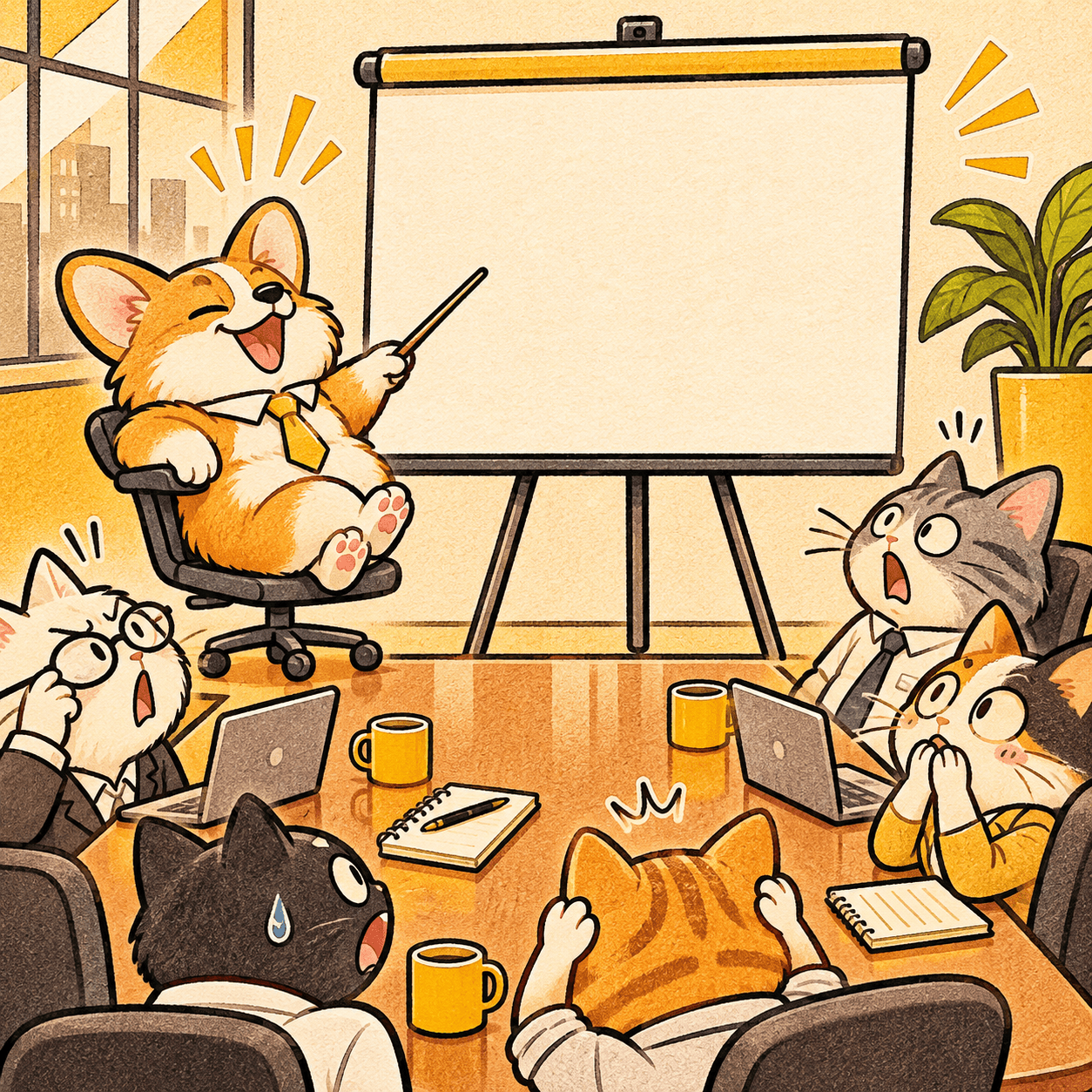
  • A corgi presents a blank chart to a surprised team of cats

    The meeting could have been an email

    Image prompt: A corgi confidently presents a completely blank chart to a boardroom of surprised cats.

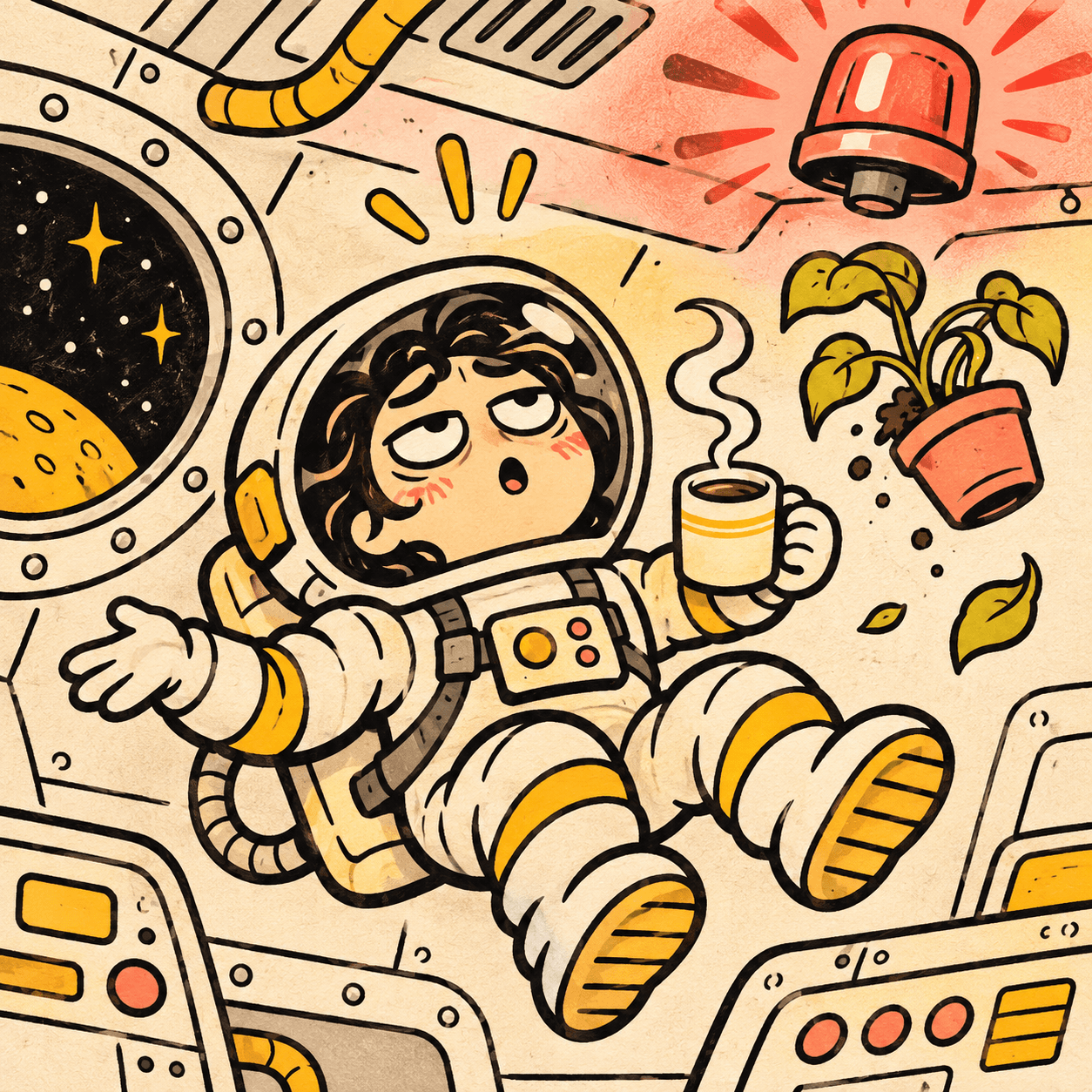
  • A tired astronaut floats with coffee while an alarm flashes

    Monday, but in space

    Image prompt: A tired astronaut calmly drinks coffee while a warning light flashes and a houseplant floats by.

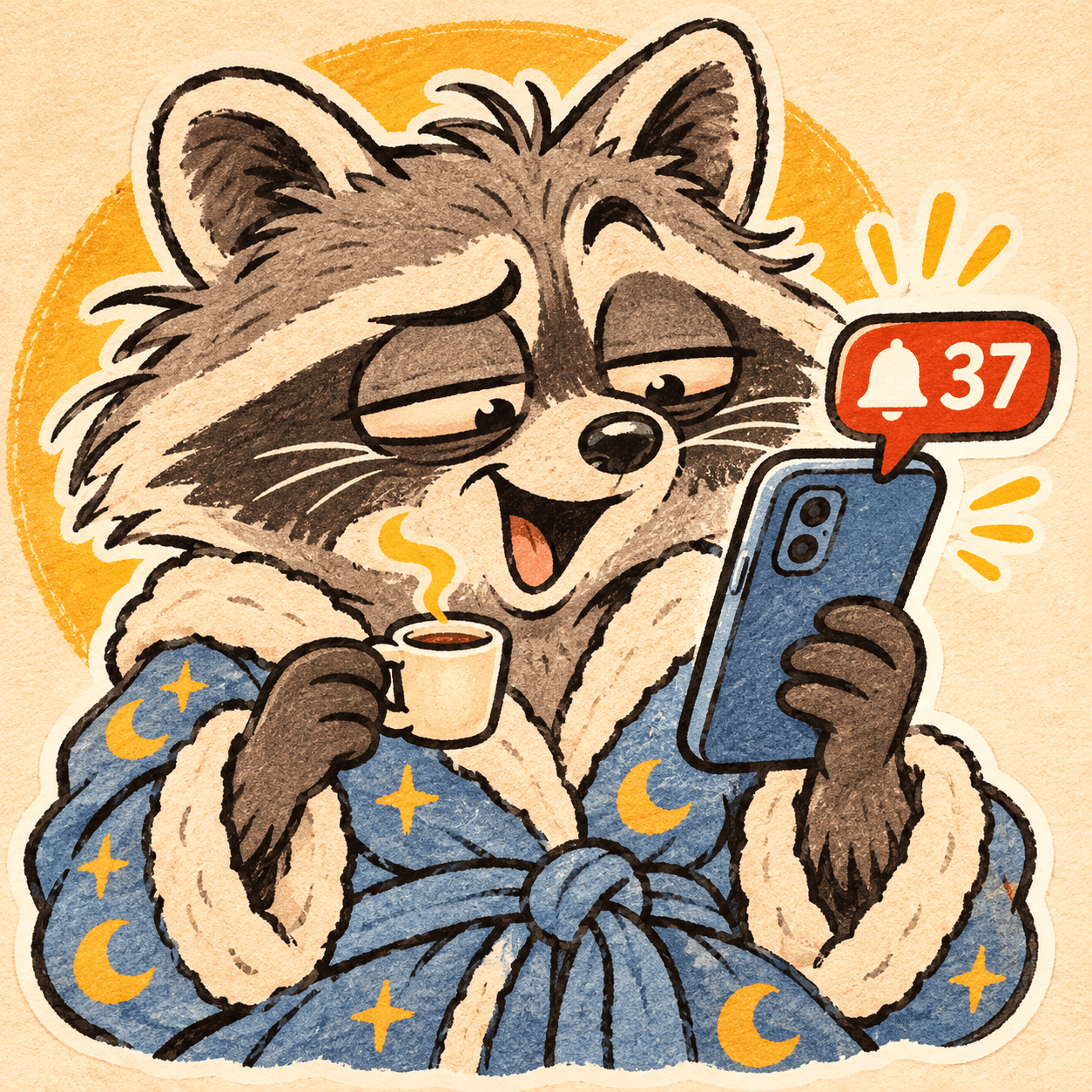
  • A sleepy raccoon in a bathrobe checks a phone full of notifications

    Thirty-seven unread messages

    Image prompt: A sleepy raccoon in a bathrobe checks a phone with 37 unread notifications and holds a coffee.

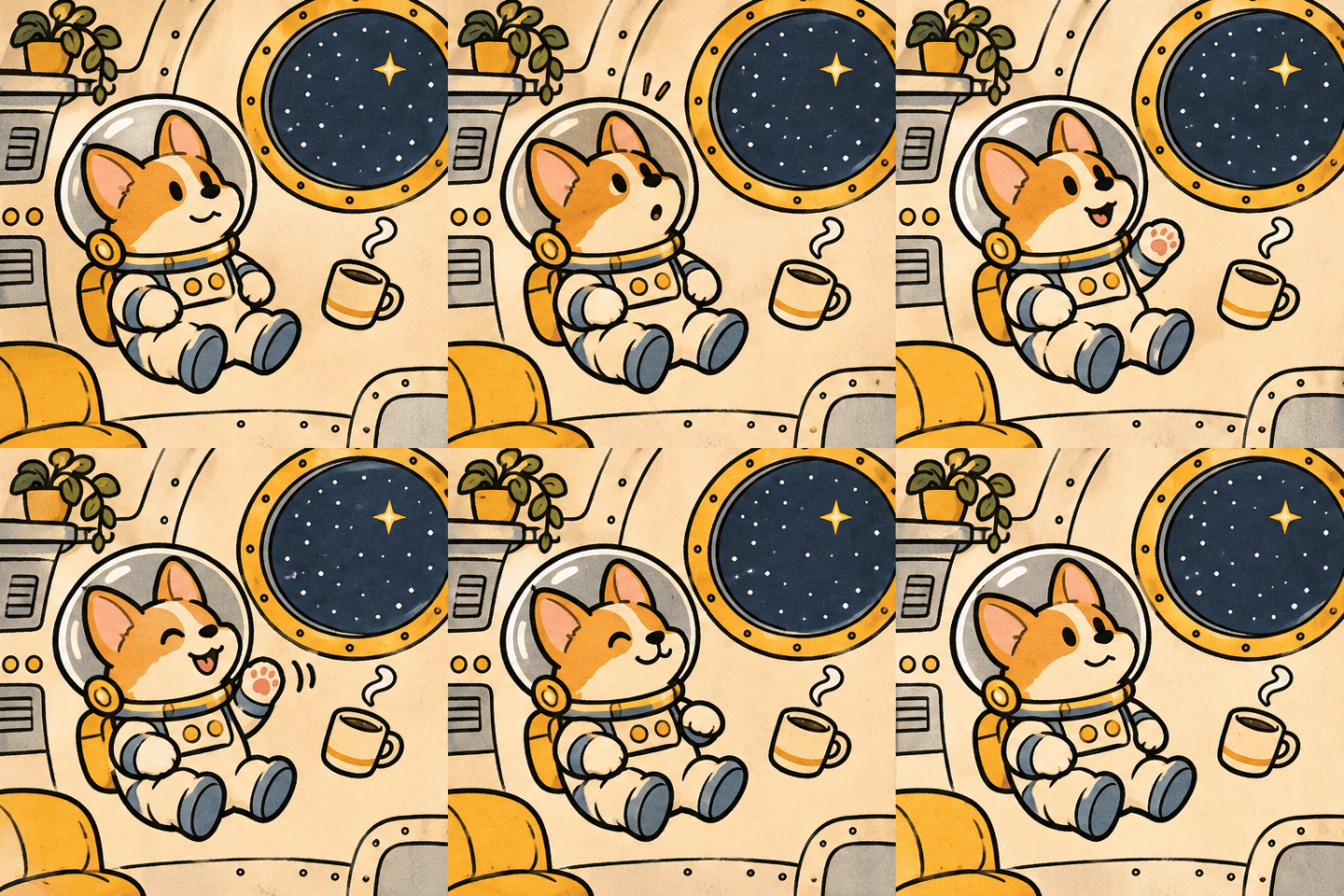
  • A corgi astronaut waves at a star from a spaceship

    Corgi in orbit

    Image prompt: A corgi astronaut notices a star, raises a paw to wave, then returns to the same floating pose in a seamless loop. Keep the spaceship background and camera fixed.

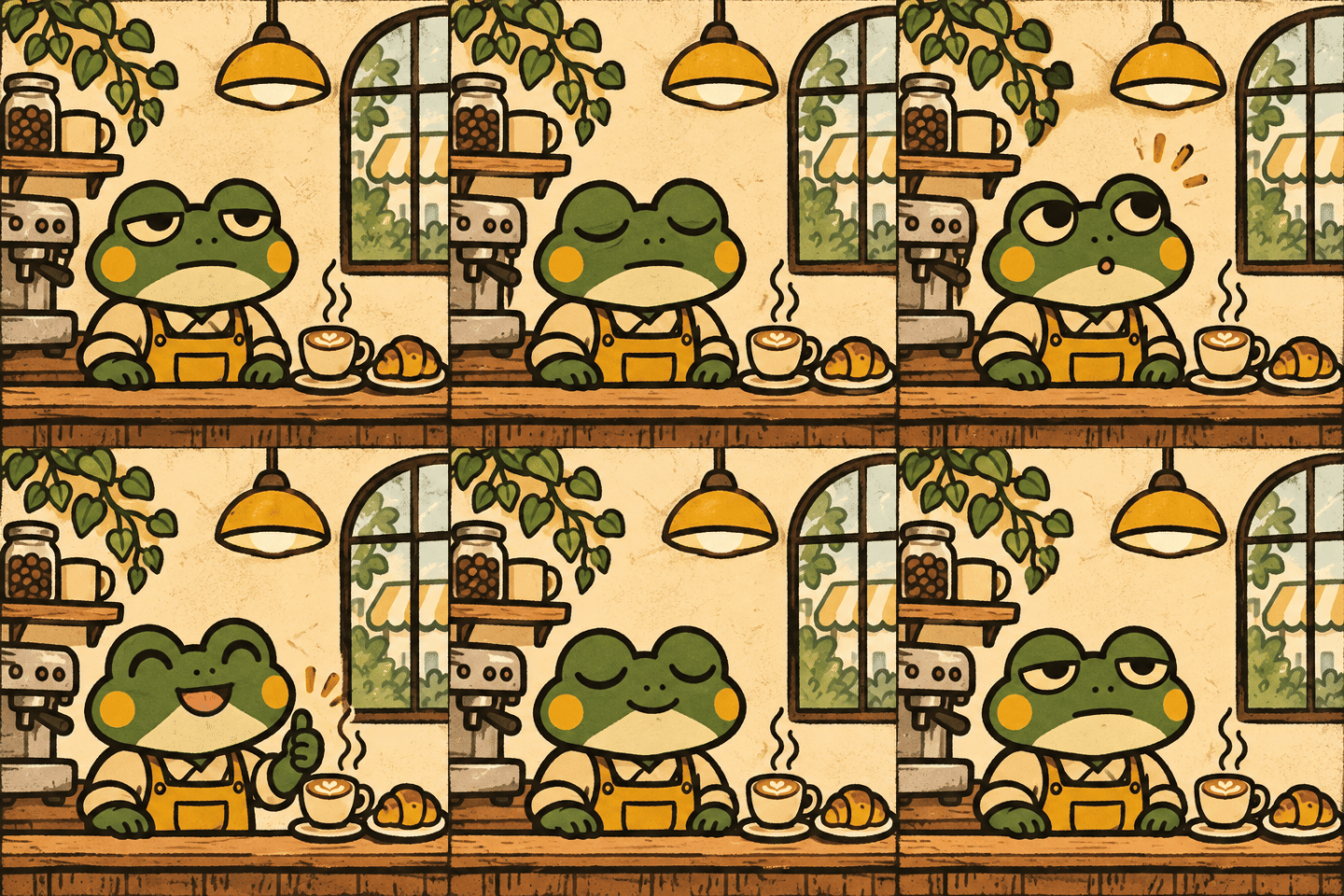
  • A sleepy frog barista perks up and gives a thumbs-up at a cafe

    One coffee later

    Image prompt: A sleepy frog barista slowly blinks, notices the coffee aroma, perks up, gives a tiny thumbs-up, and returns to the starting pose. Keep the cafe scene and camera fixed.

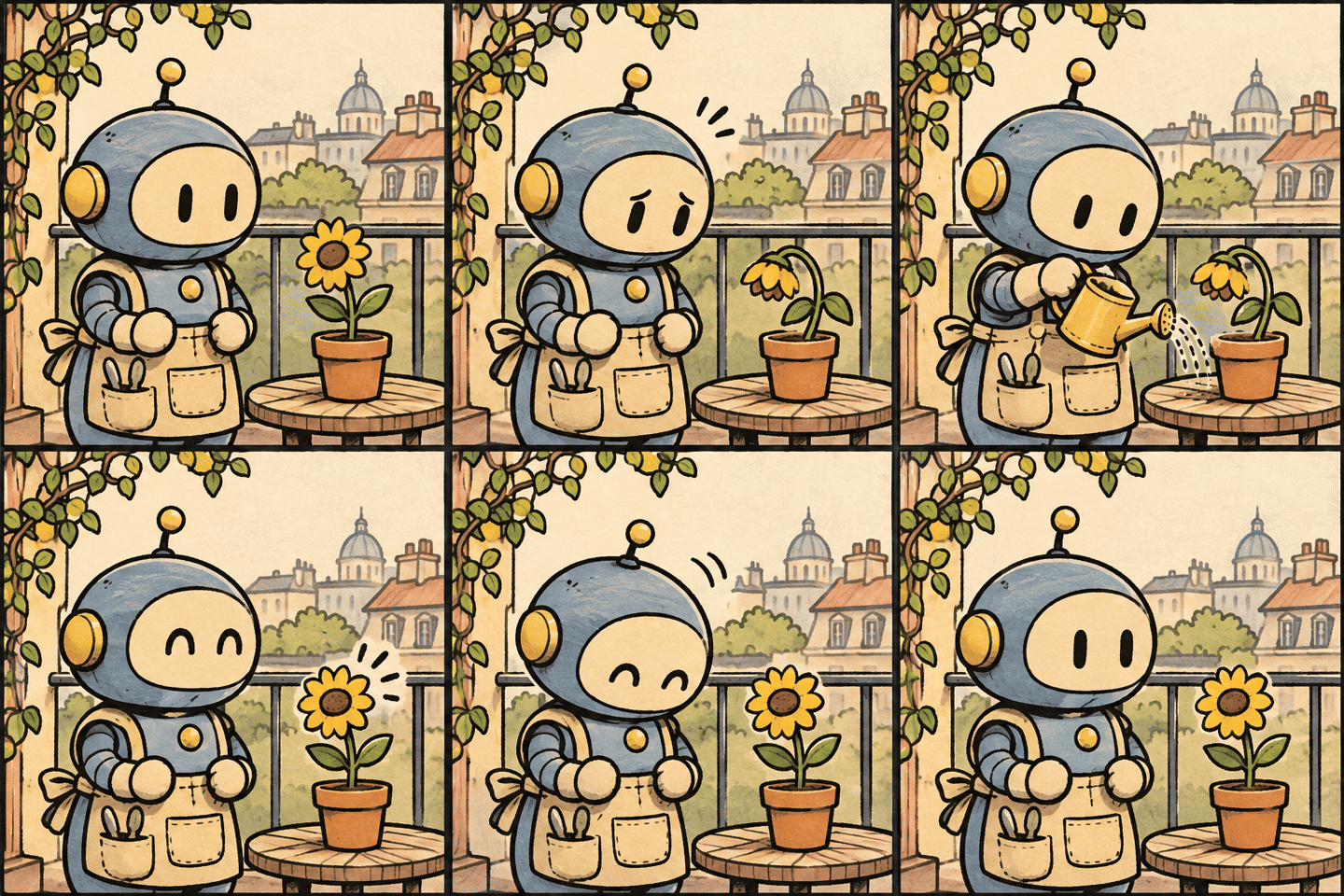
  • A small robot waters a sunflower on a balcony

    Robot gardener

    Image prompt: A small robot notices a drooping sunflower, waters it, watches it perk up, nods happily, and returns to the starting pose. Keep the balcony background and camera fixed.

How to make an animated meme with AI

  1. Describe the awkward, proud, or chaotic moment.
  2. Pick one of three reaction concepts.
  3. Download as GIF, PNG, or MP4 and drop it in chat.

Or browse featured GIFs, upload a photo, animate a template, search static memes, or try the AI meme caption generator for static templates.

Popular GIF makers

Frequently asked questions

Can GPT Image 2.6 generate GIFs?

Yes. OpenAI introduced GIF creation with Images 2.6 on November 4, 2026. MemeSkill uses GPT-Image-2.6 to generate a six-frame animation sheet and assembles it into a looping GIF in your browser.

Which GPT Image 2.6 model does MemeSkill use?

Standard generation uses GPT-Image-2.6 Flare. High quality uses GPT-Image-2.6 Sunburst and requires Pro. Image generation is provided through Yir.

Is this the official ChatGPT GIF generator?

No. MemeSkill is an independent meme-making tool. You use a MemeSkill account and its GIF credits here; a ChatGPT subscription does not provide MemeSkill credits.

How does the AI GIF meme generator work?

You describe a moment. AI invents three short reaction concepts. You pick one, we generate a six-frame sprite sheet, and your browser turns it into a loop.

Is AI GIF free?

Signed-in free accounts get 1 Standard AI GIF. Pro includes 10 GIF credits each billing period (Standard 1 credit, High quality 2). Static meme templates stay free.

Why do I pick a concept before generating?

Generating a GIF costs real API usage. Showing three ideas first lets you steer the joke without burning three credits.

What formats can I download?

GIF for chat loops, PNG for a still first frame, and MP4 (or WebM on some browsers) for short video. Encoding happens in your browser from the same sprite sheet—no extra credits. Free exports add a small MEME-SKILL.COM watermark; Pro removes it.

Can I edit the text on the GIF?

Yes. After generation, add optional top and bottom captions, tap Apply captions to preview, then download. Captions are drawn in your browser—no extra credits.

Can I buy more GIF credits?

Yes. A one-time 20-credit pack is on the pricing page. Packs stack with your free trial or Pro period credits. High quality still requires Pro.